
You check your Instagram analytics at the end of the week. Your reel reached many non-followers, and profile visits are soaring. But when you look at the outbound clicks to your store or booking page, the number is flat. Users are discovering your content, tapping through to your profile, reading what is written there, and deciding to leave. The text at the top of your profile is the only barrier between a casual viewer and a captured lead, yet most businesses treat it as an afterthought, filling it with vague slogans or a string of disconnected emojis.
Quick Summary
A good bio for Instagram is a 150-character conversion tool that tells visitors exactly what your business does, who it serves, and what action they should take next. It combines a search-optimized name field, clear positioning, and a structured link destination to turn profile views into measurable business outcomes.
- Name field optimization: The name field is indexed for search; the bio body is not.
- Value proposition: State what you sell or solve in the first line before truncation.
- Call to action: Direct users to a specific outcome, not just a general website.
- Link management: Consolidate your resources using a digital hub rather than swapping URLs constantly.
Table of Contents
- 1. Optimize the Name Field for Search Intent
- 2. Structure the 150-Character Value Proposition
- 3. Write a Direct Call to Action
- 4. Deploy a Scalable Link Strategy
- 5. Configure Native Action Buttons
- Common Pitfalls & Troubleshooting
- FAQ
- Recommended Reads
1. Optimize the Name Field for Search Intent
The most frequent error in Instagram profile configuration happens before the bio even begins. Businesses typically duplicate their account username in the "Name" field. If your username is @ChicagoPlumbingPros, typing "Chicago Plumbing Pros" into the Name field wastes the most valuable real estate on your profile.
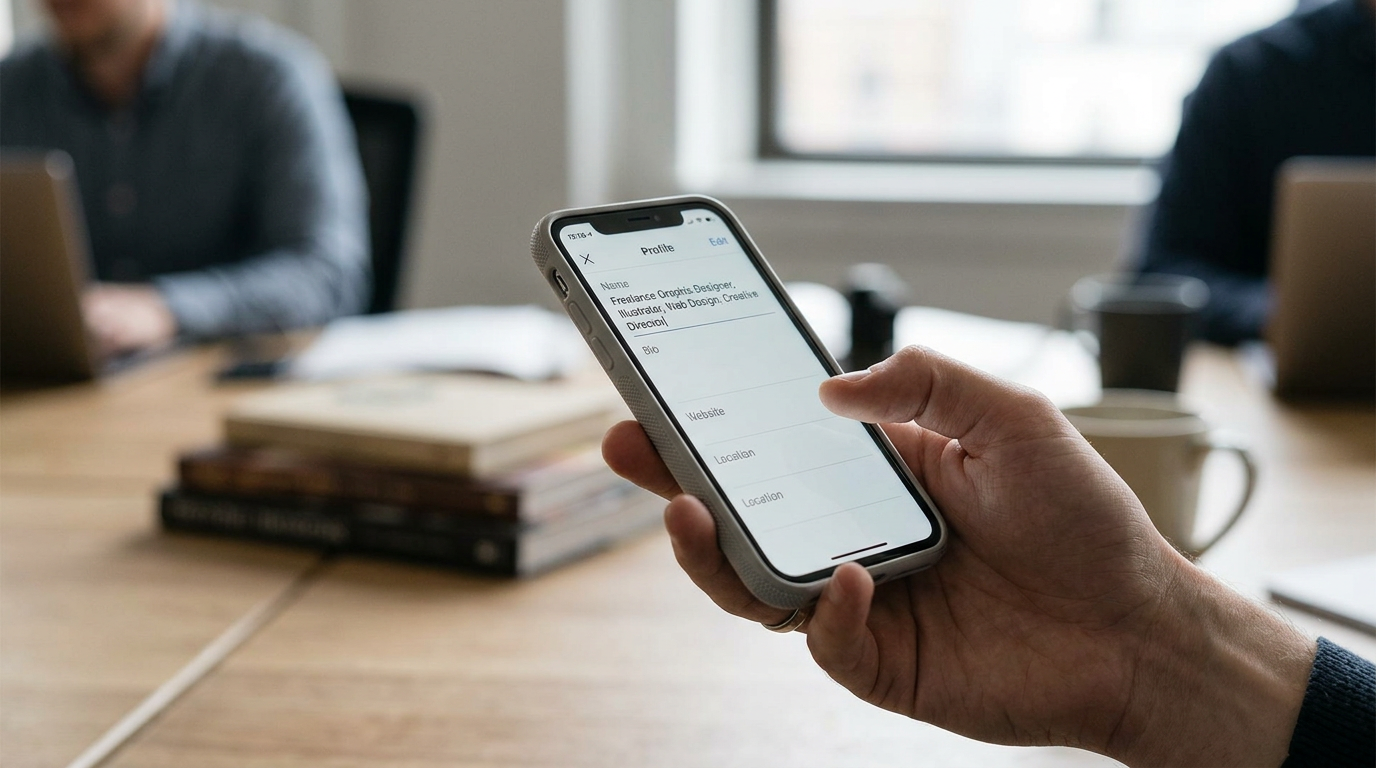
The Instagram search algorithm indexes the Name field and the Username. It does not currently index the 150-character bio body for keyword matching. When a user searches for "emergency plumber," they will only find your account if those words appear in your name or username.
To capture high-intent search traffic, your Name field must state your primary service or product category. If your brand name is established in your handle, use the Name field to describe what you do. A structure like "Brand Name | Core Service" or simply "Core Service + City" captures users who are searching for solutions, not specifically for your company. The mistake practitioners make here is treating the Name field as a legal entity identifier rather than a search engine optimization target.
Check your profile right now. If the text in bold at the top of your bio is identical to the handle at the very top of your screen, you are actively hiding your business from non-followers who need your services today.
2. Structure the 150-Character Value Proposition
You have exactly 150 characters to convince a visitor to stay. This limit forces ruthless prioritization, yet many accounts waste it on inspirational quotes, lists of generic adjectives, or inside jokes. A visitor arriving from the Explore page does not know you. They need to know what is in it for them.
The mechanics of formatting dictate that your bio should be broken into scannable lines. A dense block of text is difficult to read on a mobile device. Use line breaks to separate your authority signal, your value proposition, and your instructions.
Start with the most critical information on line one. Instagram truncates bios that exceed three or four lines, hiding the rest behind a "more" button. If your primary value proposition sits on line four, the majority of your visitors will never see it.
The mistake people make is writing a bio about themselves instead of writing it for their target audience. A bio that reads "Award-winning photographer. Coffee lover. Traveling the world" establishes no commercial intent and gives the reader no reason to care. Instead, state exactly what you deliver: "Editorial wedding photography for non-traditional couples. Based in NYC, traveling globally."
Practical rule: If you remove your company name and logo, your bio should still clearly identify the exact service you provide and the specific audience you serve.
For businesses looking to refine this exact messaging, understanding How to Write a Good Bio for Instagram to Drive Authority in 2026 requires aligning your 150 characters with your broader marketing funnel.
3. Write a Direct Call to Action
Traffic without direction is useless. If a user reads your value proposition and decides they are interested, you must tell them exactly what to do next. Leaving the user to guess how to hire you, buy your product, or read your article results in immediate drop-off.
The call to action (CTA) must sit on the final visible line of your bio, directly above the link section. It should point downward using an emoji (like 👇) to physically direct the user's eye to the link.
The mechanic here is psychological friction. "Link below" is weak. "Click here" is generic. You must command the specific action that aligns with the URL you provided. If you want them to book a consultation, write "Book your free strategy call 👇". If you are selling a physical product, write "Shop the new spring collection 👇".
The failure mode at this step is a mismatch between the CTA and the destination. If your bio says "Read our latest research," but the link drops the user onto a generic e-commerce homepage where they have to hunt for the research paper, they will simply leave. The promise made in the bio must be instantly fulfilled by the page that opens when they tap the link.
4. Deploy a Scalable Link Strategy
Instagram allows a limited number of external links in your profile. For a business running multiple campaigns, promoting a newsletter, selling products, and linking to YouTube, a single raw URL is entirely insufficient. Swapping out the link in your bio every time you publish a new post breaks the user experience for anyone who discovers your older content days later.
This is why digital routing hubs exist. A dedicated landing page designed specifically for mobile traffic allows you to house multiple destinations behind a single URL on your profile. When you use a system like Linktree for Instagram bio, you consolidate your digital footprint.
However, the mistake practitioners make when deploying these tools is overwhelming the user with choices. If someone taps your bio link and faces a list of 25 different buttons, decision paralysis sets in. They will close the browser rather than read through a menu of every podcast episode you have ever recorded.
Your digital hub should contain no more than five to seven highly relevant, current links. The top link should always perfectly match the CTA written in your bio. If you are promoting a specific product in your recent reels, that product must be the first button they see. For deeper insights into managing these platforms, reviewing 5 Link-in-Bio Platforms: Analyzing Linktree for Instagram Bio and 4 Alternatives will help you structure your routing effectively.
5. Configure Native Action Buttons
Instagram provides native action buttons for business and creator accounts. These sit below the bio text and offer direct, standardized ways for users to contact you: Email, Call, Message, or Book.
The mechanics of these buttons are straightforward: they hook directly into the phone's native applications, removing friction. When a user taps "Email," it opens their mail client with your address already populated.
The mistake businesses make here is ignoring these buttons and instead pasting their email address or phone number directly into the 150-character bio body. This fails for two reasons. First, it wastes precious character count that should be used for your value proposition. Second, text in the bio body cannot be copied and pasted on the Instagram mobile app. A user who wants to email you has to memorize the address, switch apps, and type it out manually. Most will not bother.
Configure your contact information in the "Public Business Information" settings. This activates the native buttons and keeps your bio text clean and focused entirely on the pitch and the primary link. If you operate an enterprise managing multiple accounts, utilizing an Instagram Link in Bio Tool alongside optimized native buttons ensures seamless lead capture across your entire presence.
Common Pitfalls & Troubleshooting
Optimizing a profile is not a set-and-forget task. When conversions fail, the root cause usually falls into one of these distinct failure modes.
Symptom: High profile visits, zero link clicks.
- Diagnosis: The bio lacks a clear call to action. Users read your description but are not instructed to take the next step.
- Fix: Rewrite the final line of your bio to include a specific command (e.g., "Download the free template") and point an arrow emoji directly at the link.
Symptom: High link clicks, but traffic drops off immediately on the landing page.
- Diagnosis: Link hub overload. Your routing page has too many buttons, no clear hierarchy, or confusing labels.
- Fix: Audit your digital hub. Reduce the options to a maximum of five buttons. Ensure the top button directly matches the promise made in your Instagram bio's CTA.
Symptom: Users are asking basic questions in your DMs that your website already answers.
- Diagnosis: Poor value proposition framing. Your bio is likely filled with vague industry jargon that fails to explain exactly who you help and how.
- Fix: Replace adjectives with concrete deliverables. Instead of "Empowering digital transformation," use "We build Shopify stores for independent jewelers."
Symptom: Your profile does not appear when searching for your exact service from a different account.
- Diagnosis: Your Name field is identical to your Username, entirely omitting your target keywords.
- Fix: Update your Name field in your profile settings to include your core service category and geographic location if applicable (e.g., "Commercial Roofing | Dallas"). This is the most common and most easily corrected error.
FAQ
Do I need a business account to use native action buttons?
Yes. Native action buttons (Email, Call, Book) are only available to Instagram Professional accounts (Business or Creator). Personal accounts cannot display these buttons and are limited in their analytics capabilities.
How often should I update my Instagram bio?
Your core value proposition should remain relatively stable, but the call to action and the top link in your digital hub should update to match your current marketing campaign, product launch, or primary focus for the month.
Does adding hashtags to my bio help me get discovered?
No. Hashtags in the bio body are clickable, but they do not make your profile surface in search results for that hashtag. In fact, placing a hashtag in your bio provides an exit link for users to tap and leave your profile to view other people's content.
Why does my bio format look different on desktop versus mobile?
Instagram formats text slightly differently depending on the device and screen size. Always optimize your bio for the mobile app experience, as the vast majority of Instagram traffic occurs on mobile devices. Use line breaks carefully to ensure readability on narrow screens.