
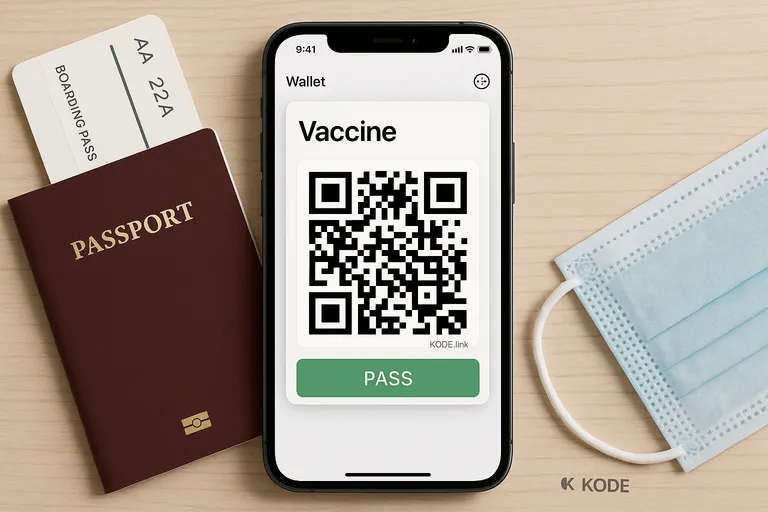
How to get vaccine qr code in apple wallet
Learn the easiest way to add your vaccine QR code to Apple Wallet using KODE.link. Skip the hassle and get your pass in minutes.
Learn the easiest way to add your vaccine QR code to Apple Wallet using KODE.link. Skip the hassle and get your pass in minutes.
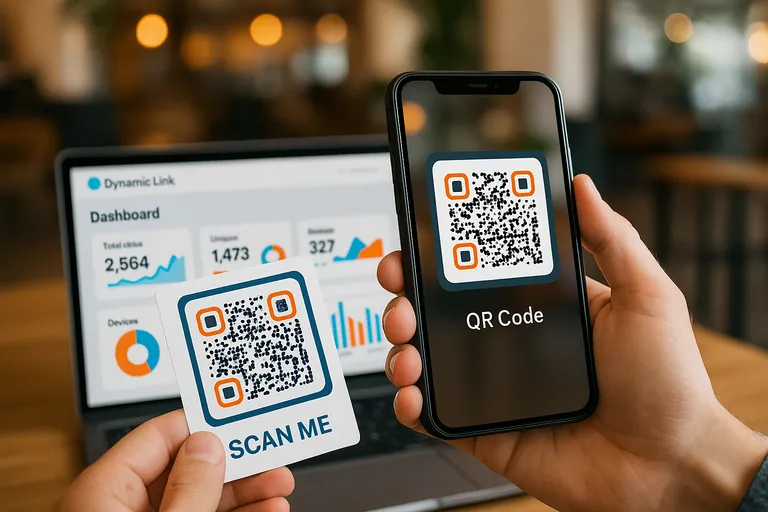
Learn how to create a QR code for your business, step-by-step. Drive traffic with ease using smart, dynamic QR codes powered by KODE.link.
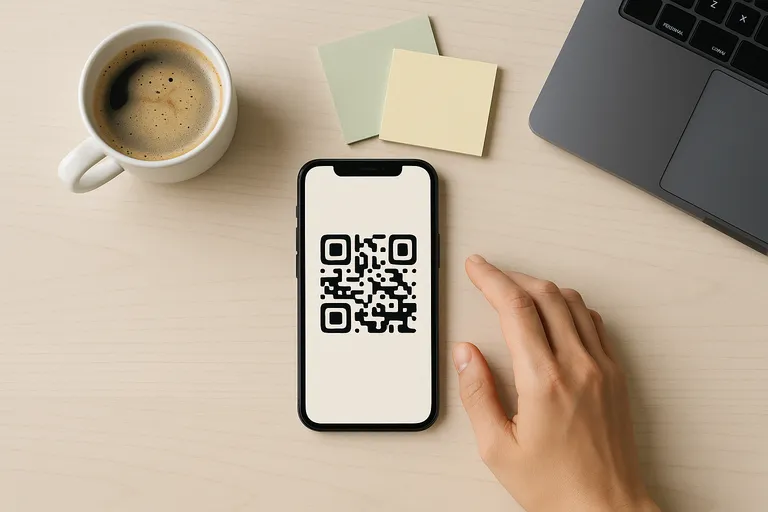
Generate QR codes instantly with zero sign-up. Customize, download, and share—all free at KODE.link. Fast, easy, no login required.
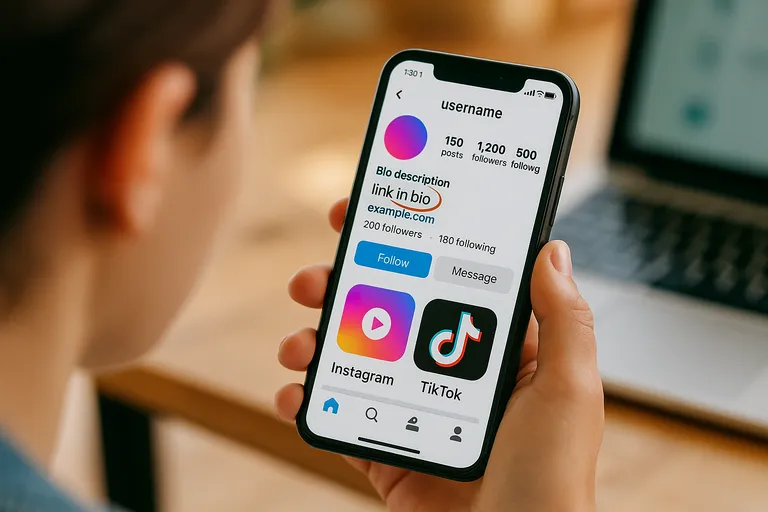
Quick tips to find a link in bio across social platforms - and why it's critical for creators and brands.
Wondering how to find a link in bio? Learn how they work, where to find them, and how to make your own with tools like KODE.link.
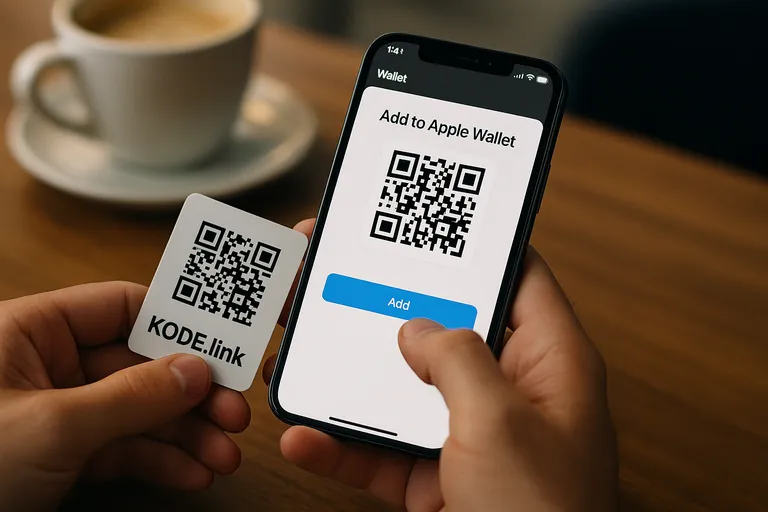
Learn the easiest way to save QR codes to Apple Wallet using KODE.link. Unlock fast access, digital passes, and smarter sharing.
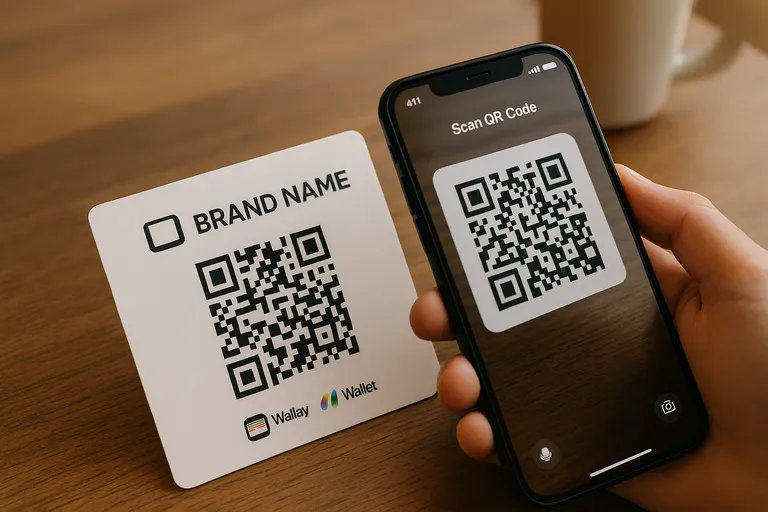
Get noticed with custom business cards featuring QR codes. Connect, impress, and track engagement in style with KODE.link.
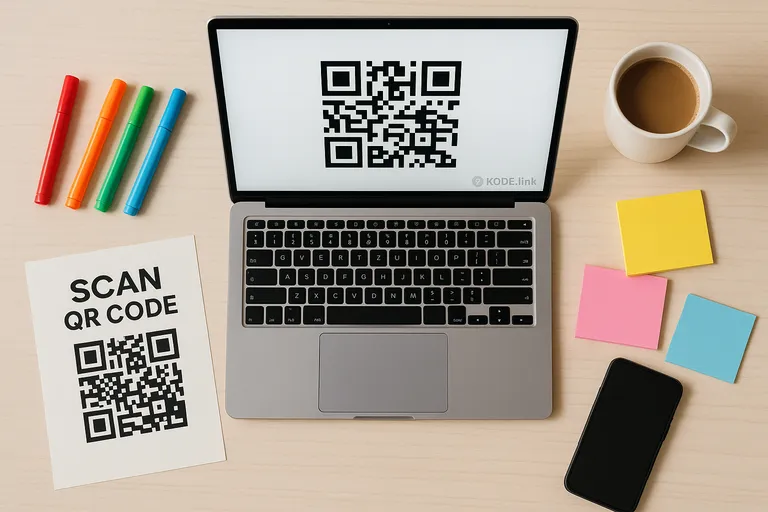
Learn how to create static QR codes for free using a fast and easy generator. No tracking, no expiration – just scan and go!
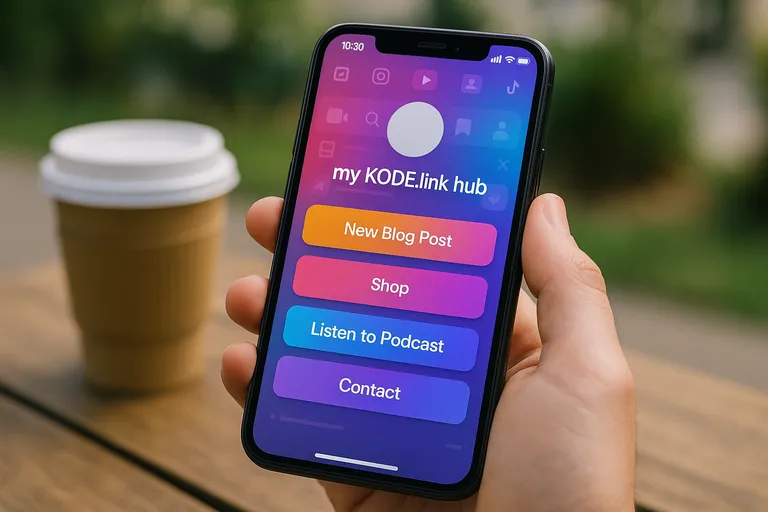
Learn how to put a link in your social media bio and turn browsers into followers with KODE.link. Fast, easy, and totally customizable.