
Save QR Code to Apple Wallet
Stop digging through emails—save QR codes to Apple Wallet with Kode.Link. Instantly access tickets, passes, or digital business cards anytime, online or offline.
Stop digging through emails—save QR codes to Apple Wallet with Kode.Link. Instantly access tickets, passes, or digital business cards anytime, online or offline.

Creating a QR code for your business doesn’t have to be complicated. Here’s a simple breakdown of how to make one, what to link it to, and why dynamic QR codes matter.
QR code generator login lets you skip passwords, scan to sign in securely, and access platforms like KODE.link instantly—fast, modern, and easy.
Struggling to find the “link in bio” on Instagram, TikTok, or X? Here’s a quick guide to where to tap, why creators use them, and what’s behind them.
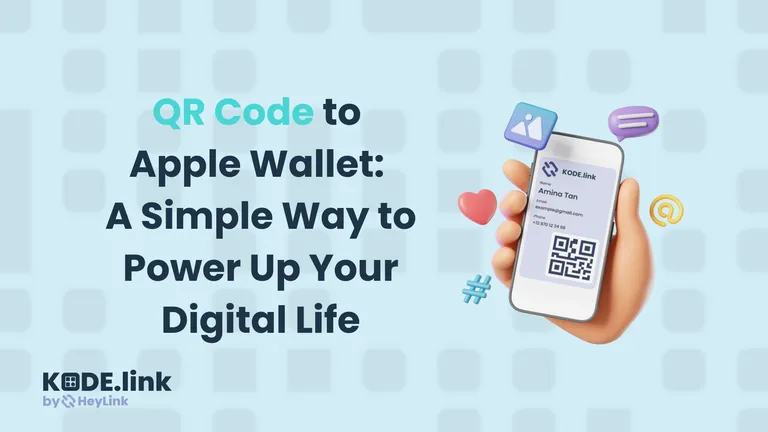
Learn how to add a QR code to Apple Wallet for tickets, passes, and digital business cards. Streamline access, boost engagement, and stay future-ready with KODE.link
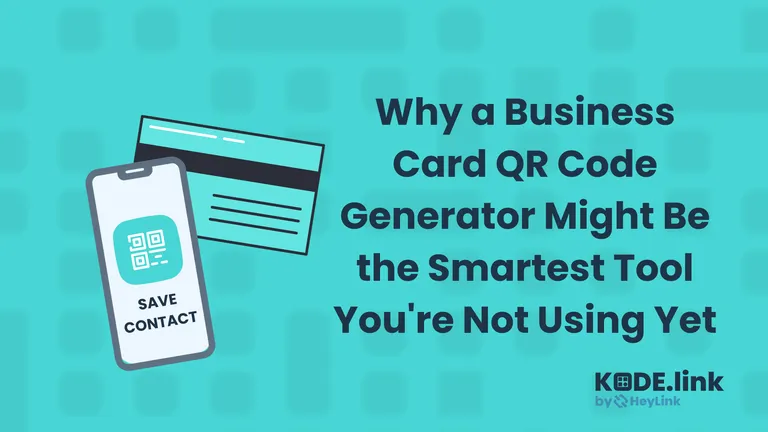
A QR-powered business card lets people save your info instantly. Here’s why digital cards are smarter, faster, and way more memorable.

Kode.link is the top free QR code generator—dynamic, customizable, and trackable. Share links, business cards, or portfolios effortlessly.
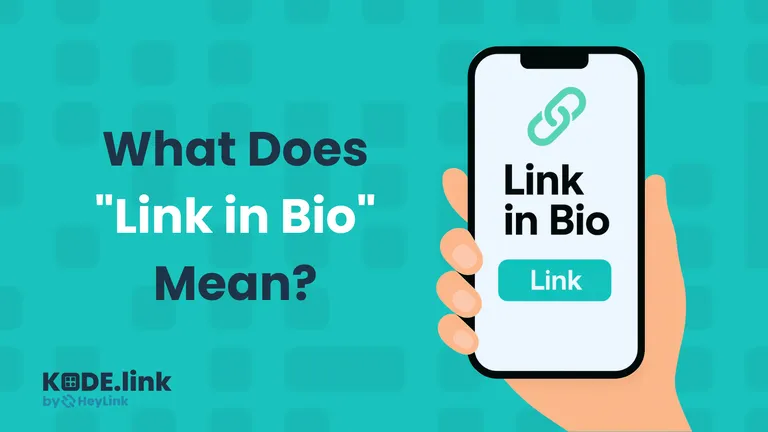
What Does It Mean When Someone Says "Link in Bio"? You’ve probably seen it a hundred times. You're scrolling through Instagram, TikTok, or wherever, and someone says, "
Trying to add a QR code to Apple Wallet? Here’s how to save supported passes, convert any QR with KODE.link, and avoid last-minute scanning chaos.